雜談:是時候該來處理一下Dify的問題了 / TALK: It's Time to Address the Issues with Dify
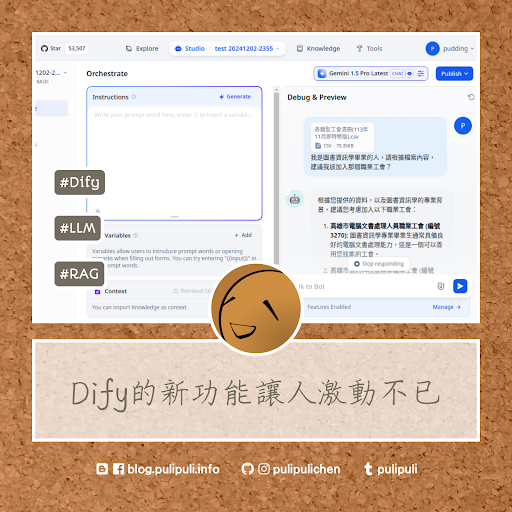
在「自行架設大型語言模式應用程式:Dify」這篇裡面,我用Dify在筆電架設了可客製化、具備RAG的大型語言模型應用程式。但這段期間用下來還是遭遇了很多問題。以下就稍微列舉一下我遭遇的狀況。
(more...)12月 13, 2024 0 Comments Dify LLM RAG Talk
在「自行架設大型語言模式應用程式:Dify」這篇裡面,我用Dify在筆電架設了可客製化、具備RAG的大型語言模型應用程式。但這段期間用下來還是遭遇了很多問題。以下就稍微列舉一下我遭遇的狀況。
(more...)12月 09, 2024 0 Comments AI Research Zotero
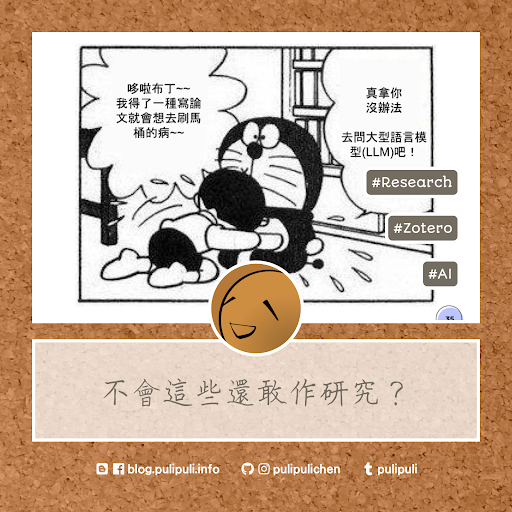
我在「現代研究需要現代手段:用知識管理和AI輕鬆做研究!」演講中使用了很多研究工具。為了方便讓大家找到這些工具,我把演講裡提到的工具都拉出來,額外放在下面進行介紹。這些工具包含了書籍、軟體、網站等等。有些是付費才能使用,有些是可以免費註冊帳號即可使用,使用之前請自行評估一下囉。
In my presentation, "Modern Research Demands Modern Tools: Leveraging Knowledge Management and AI for Effortless Research," I utilized a variety of research tools. For your convenience, I've listed those tools below with additional details. These resources include books, software, websites, and more. Some require payment while others offer free accounts. Please evaluate each option before using it.
(more...)12月 06, 2024 0 Comments chromecast Talk
由於我使用的設備是以Linux和Android為主,在螢幕投放的選擇上,Chromecast自然就是我的首選。雖然市面上很多號稱支援Chromecast的方案,但其實仍只有Google推出的Chromecast才具備完整的功能。不過,Chromecast的天性使得它難以移動,iOS使用者也不容易使用。目前要架設一個可移動的投影畫面接收器,仍然不是一件容易的事情。
(more...)12月 02, 2024 1 Comments AI Research Zotero
今年10月的時候我去南藝大為研究生們講述了活用圖書館資源、AI工具以及Zotero來撰寫研究論文的方法。有了內建大型語言模型資料庫的協助,例如Scopus、Semantic Scholar、Consensus、Elicit、SciSpace,現在作研究的方式已經有了很大的轉變了。投影片的內容分成了「研究搜尋篇」與「閱讀寫作篇」兩個部分,以下就來看看這次演講的投影片內容吧。
In October of this year, I gave a presentation at Tainan National University of the Arts to graduate students on how to leverage library resources, AI tools, and Zotero for research paper writing. With the help of databases incorporating large language models, such as Scopus, Semantic Scholar, Consensus, Elicit, and SciSpace, the way we conduct research has been significantly transformed. The presentation was divided into two parts: "Investigate Research" and "Reading and Writing." Let's take a look at the slides from the presentation below.
(more...)12月 01, 2024 0 Comments Sissi
生活穩定一點之後,希希助教就可以定期出來跟大家打打招呼了。祝大家順利渡過期末喔!
(more...)11月 18, 2024 0 Comments Docker Docker Hub Software
我們現在能開心地使用各種Docker環境,都是多虧了Docker Hub保存了這些Docker映像檔。Docker Hub也可以稱得上是賽博菩薩了吧?但這免費資源可不是讓你毫無限制的使用喔!
We can now happily use various Docker environments thanks to Docker Hub saving all these Docker images. You could say Docker Hub is like a Cyber Bodhisattva, right? However, this free resource is not for you to use without limit!
(more...)11月 11, 2024 0 Comments E-Learning Ewant Podcast
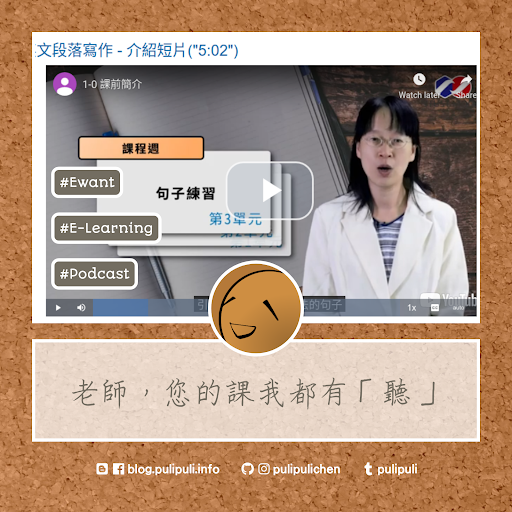
聽訪談跟閒聊的Podcast覺得知識濃度不足的話,也許可以選擇改聽Ewant育網上大學老師們的教課內容。
If you find the knowledge content of interview-based and casual podcasts insufficient, you might consider switching to Ewant and listening to lectures given by university professors.
(more...)11月 04, 2024 0 Comments LibreOffice Writer Style Zotero
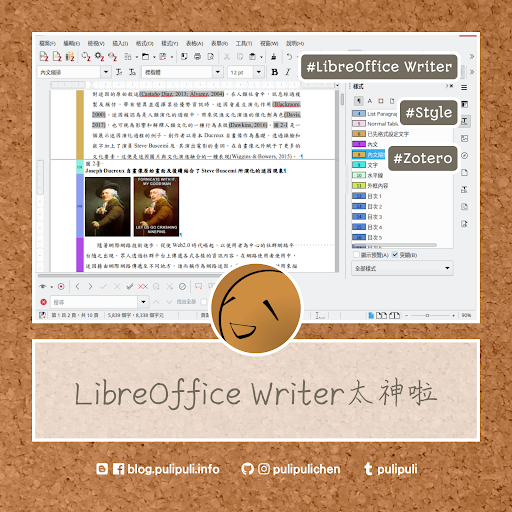
使用LibreOffice Writer的時候,記得在「檢視」裡面打開「格式設定標記」跟「欄位背景色彩」。這樣就能察覺有沒有多餘的斷行、Zotero的引用和圖表交叉參照的位置。此外,還可以勾選「樣式」的「突顯」來檢查內文有沒有設定成正確的樣式。
When you are using LibreOffice Writer, remember to go to "View," and then enable "Formatting Marks" and "Field Shadings." This allows you to see unnecessary line breaks and the positions of Zotero citations and references for figures and tables. In addition, you can check "Spotlight" under "Styles" to check whether the text has the correct styles applied.
(more...)10月 28, 2024 0 Comments Interview Research Transcription
雅婷逐字稿加入了語音轉文字的轉錄功能後,可以為分析錄音檔的研究者帶來更多的幫助。他的時間戳記與錄音檔的對照、可修正的逐字稿、以及標亮重點(highlight)等功能,都很值得大家參考喔。
(more...)10月 25, 2024 0 Comments reading Talk
日前經過高雄美術館園區附近的公園時,公園裡銅像的姿勢吸引了我的注意。
(more...)10月 21, 2024 0 Comments Document LibreOffice LibreOffice Writer Print
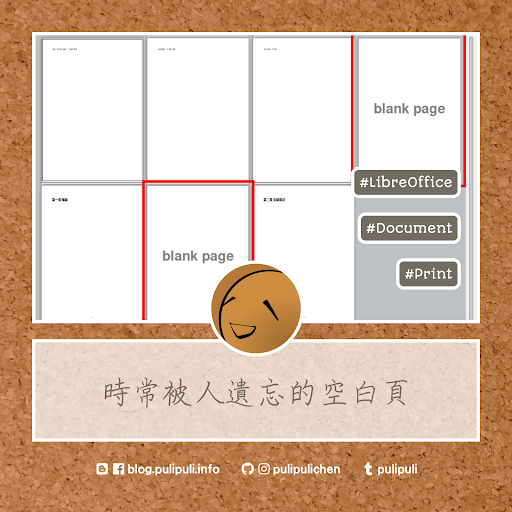
如果你要在LibreOffice作雙面列印,而且要在在匯出PDF的時候記得勾選「Export automatically inserted blank pages」(匯出時自動插入空白頁)喔。
If you want to print double-sided in LibreOffice Writer, remember to check "Export automatically inserted blank pages" when exporting to PDF.
(more...)10月 18, 2024 0 Comments Blogger Facebook Talk
使用Facebook粉絲專頁外掛程式時,在瀏覽器的開發人員工具控制台會顯示錯誤訊息。但似乎可以不用理會。
(more...)10月 14, 2024 0 Comments Document LibreOffice LibreOffice Writer Style
LibreOffice Writer有時候在設定頁碼重新計數時會發生錯亂。這時候只要改變起始頁碼為2,再重新設定為1,即可將頁碼重置為1。
Sometimes LibreOffice Writer encounters errors when resetting page numbering. In this case, you can simply change the starting page number to 2, and then set it back to 1 to reset the page number to 1.
(more...)
Comments